How I Built a Dev Log Pipeline with AI in One Sitting
I had a problem. I’d been building Inselnova, a browser-based island strategy game, for six weeks. I had notes everywhere. Discord messages, conversation dumps, half-written paragraphs in random files. Plenty of material for a dev log. Zero dev log.
So I opened Claude Cowork and started talking.
What Claude Cowork actually is
Cowork is Anthropic’s desktop tool. It runs in a lightweight sandbox on your machine with access to a folder you choose. You talk to it, it reads files, writes files, runs code. Think of it as Claude Code but with a conversational interface instead of a terminal.
I pointed it at my repo and started dumping everything I’d learned over six weeks of building.
From conversation to content
The first hour was just me talking. How I built the game on a road trip. How I replaced Google Analytics. How I found early adopters on Reddit. What the gameplay loop looks like. How blind coding works on a phone.
Cowork saved all of it into docs/devlogs/notes/ as raw markdown files. No editing, just organised dumps with headers so I could find things later.
Then I said “write it up.” It pulled from the notes files, shaped five separate posts, each focused on one topic. I reviewed each one, gave feedback (“this section reads odd,” “don’t say I was bored, say I wanted to challenge myself”), and it edited surgically.
Five posts from raw conversation in one session. That part worked well.
The tone problem
The first draft was fine but it didn’t sound like me. It sounded like a competent blog post written by someone who’d read a lot of dev blogs. Close, but not mine.
So I built a tone system. Two files.
TONE.md captures how I write. Short sentences. No em dashes. No exclamation marks. Lead with what happened, not why. Use real numbers. Name the tools. Anecdotes are good. Cut the last sentence of any paragraph that doesn’t need it.
1_tone_developer.md is the game-facing voice. It’s more detailed. Banned word lists, word substitutions, sentence shapes, what the writer sounds like (someone in their 40s who played too many browser games and no longer performs enthusiasm). It even has a test: if a sentence could appear on a startup landing page, rewrite it.
Once I fed both files to Cowork, the writing tightened up. Not perfect on every draft, but close enough that my edits were small.
SEO without the nonsense
I had a file of 70 SEO keyword phrases already sitting in docs/marketing/. Things like “browser based island strategy game” and “classic browser game remake.” The kind of phrases people actually search for.
The trick was making these part of the writing process without turning the posts into keyword soup. I built it into the workflow: after a post is drafted, pick 3-5 phrases that fit the topic, work them into the summary, the first paragraph, and maybe an H2 header. If a phrase doesn’t fit naturally, skip it. Voice wins over SEO every time.
The tags in each post’s frontmatter also pull from this list. So when someone searches “browser strategy game free” and lands on the dev log listing page, the metadata is doing its job without the writing suffering.
The image pipeline
Every post needs a cover image. I already had an image generation pipeline for game assets: a Node script that calls OpenAI’s API, refines prompts through GPT-4, and saves images with metadata sidecars for reproducibility.
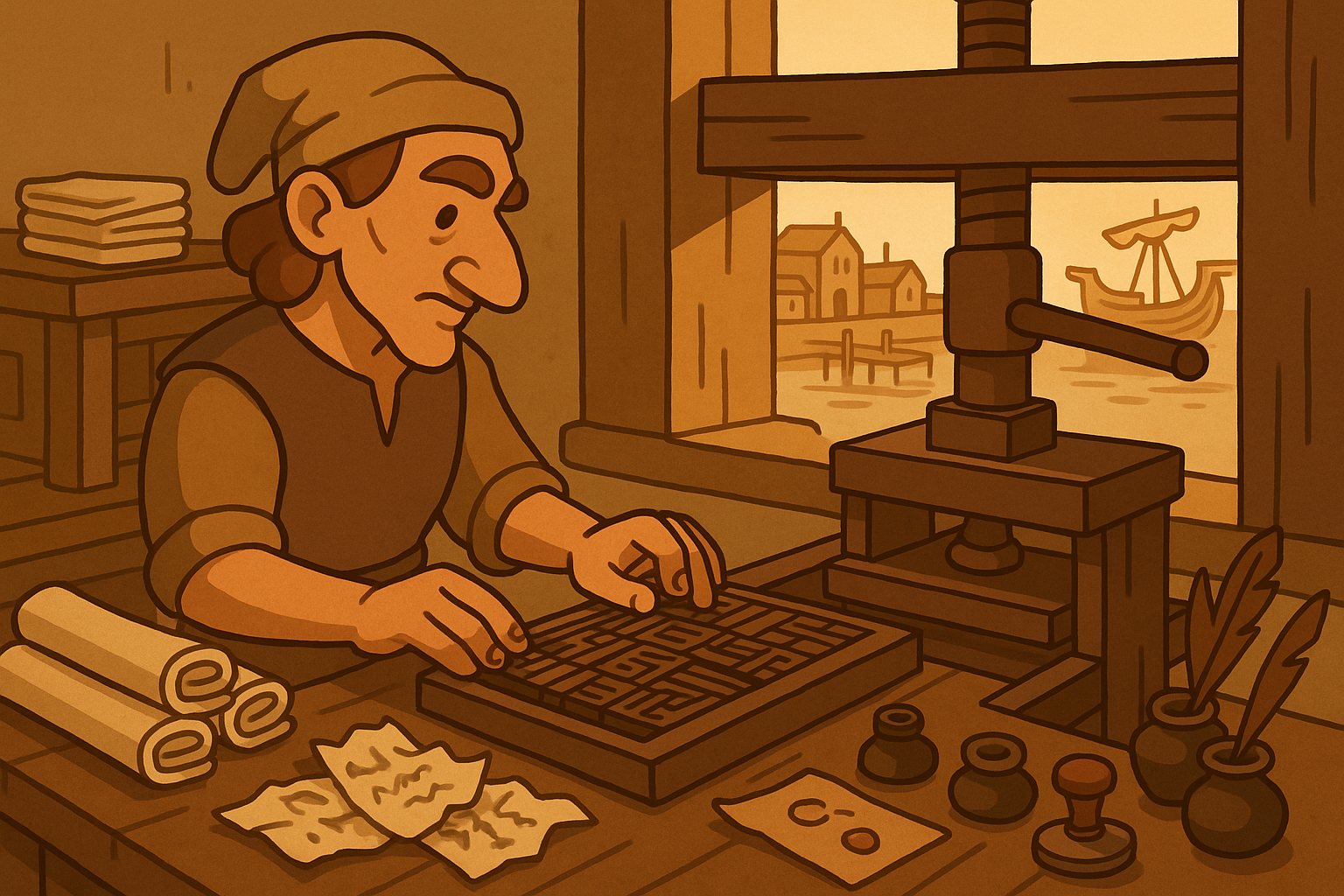
I added a new template category called devlog_cover. The style rules are different from game assets. Landscape format, editorial feel, warm and inviting, connected to the game world but not a screenshot. The key constraint: no modern devices. If the post is about coding on a phone, the cover shows a medieval scribe dictating to a raven at a portable desk outside a tavern. The metaphors keep everything in the Inselnova visual world.
Each cover is generated with one command:
node images/generate.js --category=devlog_cover --subject="topic" --details="scene description" --size=1536x1024 --filename=NNN-slug.png --output-dir=devlog --yesThis is where Cowork hit a wall. The sandbox can’t make external API calls. It couldn’t reach OpenAI to generate the images. So it wrote the commands and the scene descriptions, and I ran them locally. Not a dealbreaker, just a workflow step that has to happen outside Cowork.
The lore directory
One thing that makes all of this work is the docs/ directory. It’s where every piece of context lives. Tone guides, SEO keywords, art direction files, lore documents, marketing descriptions. When any AI reads these files before starting work, the output is consistent.
This is the same principle as AGENTS.md for code. Teach the AI the rules once, put them in a file, and every session starts with the same context. The lore directory feeds into game messages, Chronicle posts, marketing copy, and now the dev log. I’ll write more about this approach to consistency in a future post.
Cowork vs Claude Code
Cowork handled the content pipeline well. Dumping thoughts, organising notes, writing and editing posts, creating the skill file, building the tone system. It’s good for conversational work where you’re iterating on text and structure.
For the actual frontend code, it needed Claude Code to finish. Cowork built the Astro content collection, the listing page, the individual post template. But some files came out truncated. It didn’t seem to have the full context of the existing codebase, things like shared components, layout patterns, and the CSS conventions already in use. The devlog pages worked but needed cleanup.
My approach now: use Cowork for content and planning. Use Claude Code for anything that touches the frontend or backend code. Each tool is good at different things.
What got built
The full pipeline, from one Cowork session plus some Claude Code cleanup:
Content structure. Raw notes go into docs/devlogs/notes/. Posts get their own directory in docs/devlogs/posts/NNN-slug/. Each post has a post.md and an IMAGES.md with cover image requirements.
Tone system. Two markdown files that any AI session reads before writing. Personal voice for Reddit. Game voice for the Chronicle. Both enforce the same punctuation rules and banned words.
Content planning. TOPICS.md tracks all posts with pillars (The Build, The Game, The Growth, The Stack), status, source files, and a bank of future topic ideas.
Astro integration. A devlog content collection with typed frontmatter: title, date, summary, author, pillar, cover image, tags. Listing page with cover images and pillar badges. Post pages with hero covers, reading time, prev/next navigation.
Image generation. A devlog_cover template in the existing pipeline. Shell script to batch-generate all covers.
Reusable skill. .claude/skills/devlog-writer/SKILL.md defines the full 7-step workflow. Next time I want to write a post, any Cowork or Claude Code session can read the skill and follow the same process.
The workflow going forward
When I want to write the next dev log, I open Cowork and start talking. The devlog-writer skill handles the rest: reads the tone files, reads the SEO keywords, pulls from my notes, drafts the post, creates the Astro content file, writes the cover image command, and updates the content plan.
I review, edit, run the image generation locally, and push. The whole thing takes maybe an hour from “I have thoughts” to “it’s published.”
What I’d tell someone setting this up
Write tone files early. The AI’s first draft without tone guidance sounds like every other blog. The tone files are the difference between generic and yours.
Keep all context in files, not in your head. SEO keywords in a file. Tone rules in a file. Content plan in a file. The AI can’t read your mind, but it can read a markdown file every single time.
Use the right tool for the right job. Cowork for conversation and content. Claude Code for code. ChatGPT for image generation prompts. Don’t force one tool to do everything.
Build the skill file. Once the process works, document it as a skill so every future session starts with the same workflow. This is the multiplier.
The game is Inselnova, a free browser-based multiplayer island strategy game. It’s in early access and I’d love for you to try it.
If you’ve built content pipelines with AI, I’d be interested to hear what worked. And if you’ve used Cowork or Claude Code for non-coding tasks, how did it go.