Transport
A Governor without ships is a Governor without reach. The fleet is the lifeline of any domain. It carries trade goods between settlements, ferries troops to distant shores, scouts enemy harbours, and stakes claims on uncharted islands.
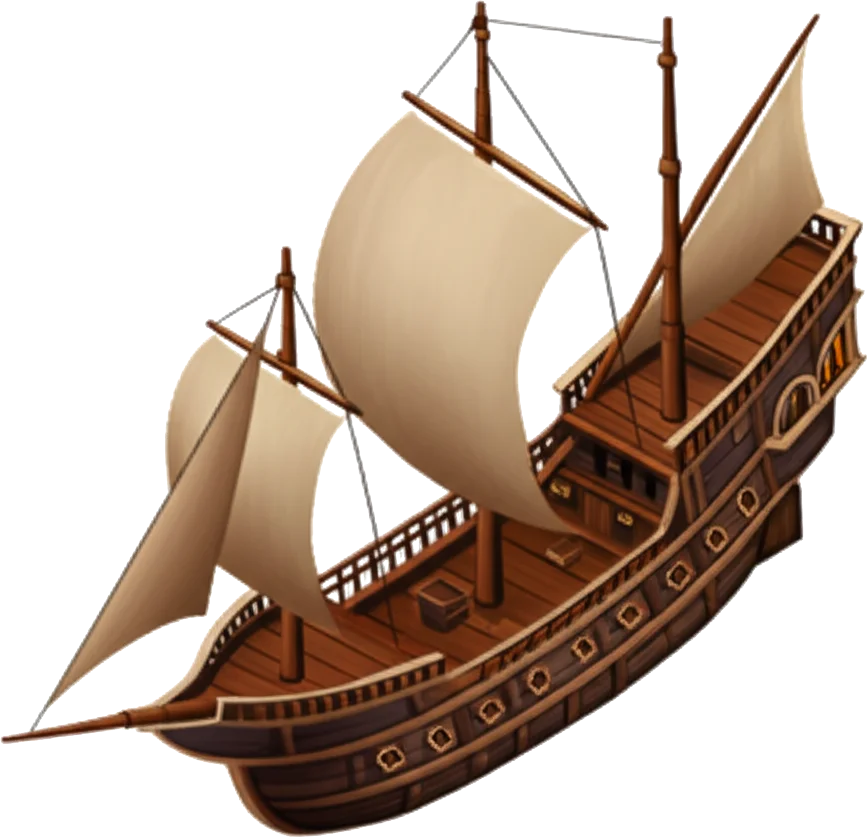 Combat
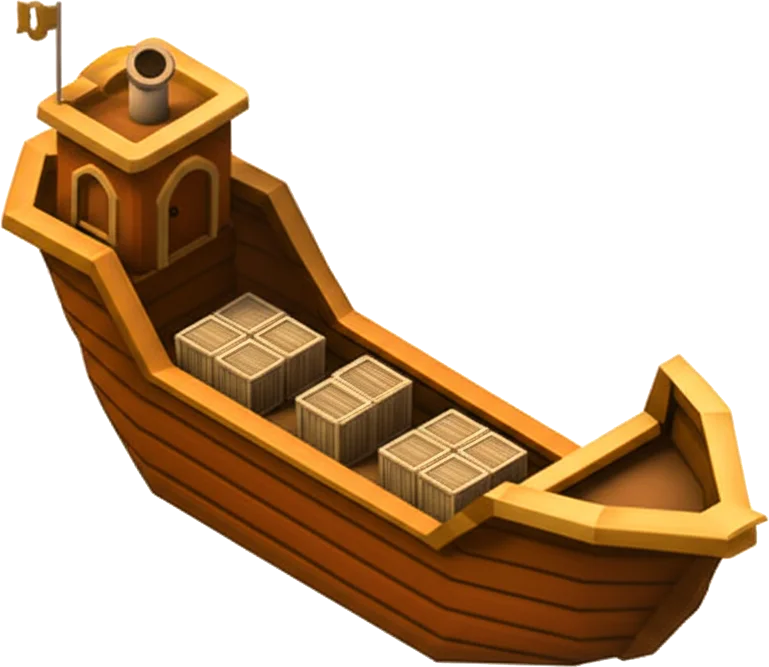 Colonisation
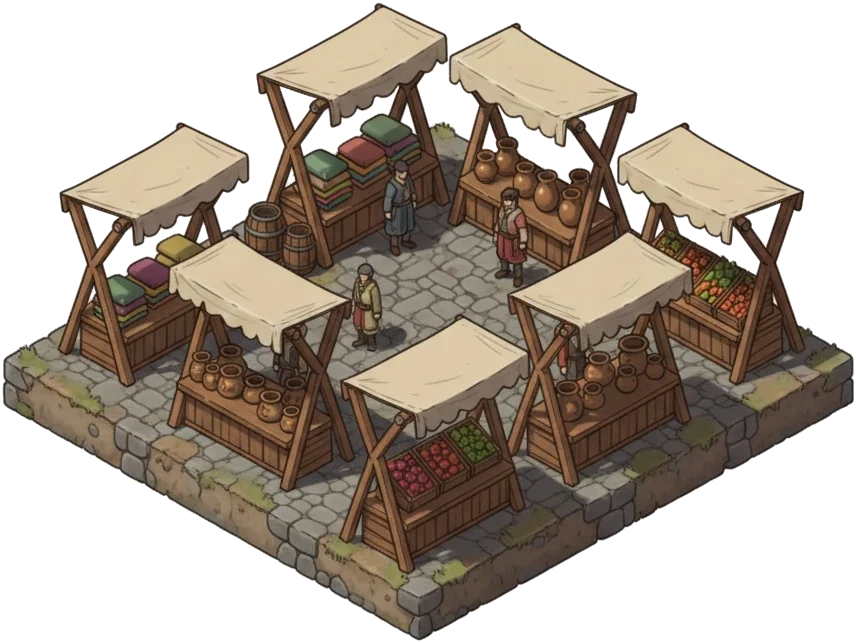 Marketplace
Ships in Harbour
The Fleet ledger opens to the harbour roster: every vessel currently docked and idle. Ships at sea on active missions do not appear in this count; they return to the roster once their voyage concludes. The harbour is divided into three classes of vessel, each serving a distinct purpose in the Governor's operations.
Your harbour holds only so many hulls. Every ship occupies harbour berths, and bigger ships take more, so building a fleet means choosing between warships, merchants and colonisation ships. Ships away on a mission free their berths until they return, which is why a fleet can sail home to a harbour that is technically over capacity. A returning fleet is never turned away or lost; you simply cannot commission new ships until you are back under the line. But the harbour counts the whole fleet, in port or at sea: keep far more hulls than you have berths and the harbour becomes choked — an island condition that sours the waterfront and drags on trade income until the fleet shrinks or the harbour grows.
Merchant Vessels
Merchant ships are the workhorses of the fleet. They carry resources between settlements, resupplying distant colonies, provisioning allies, and moving surplus to where it is needed most. Resources are loaded immediately upon departure, deducted from the source's stores, and delivered when the convoy makes port.
Each merchant can carry a fixed tonnage. Larger shipments require more vessels; if the cargo exceeds the fleet's total capacity, the harbour master will refuse to load.
Colony ships are the one naval vessel that may be loaded onto a merchant convoy as delivered cargo. Warships, spy ships, and merchant ships themselves cannot be packed into another transport; they must sail under their own orders.
| Vessel | Cargo | Speed | Troop Capacity |
|---|---|---|---|
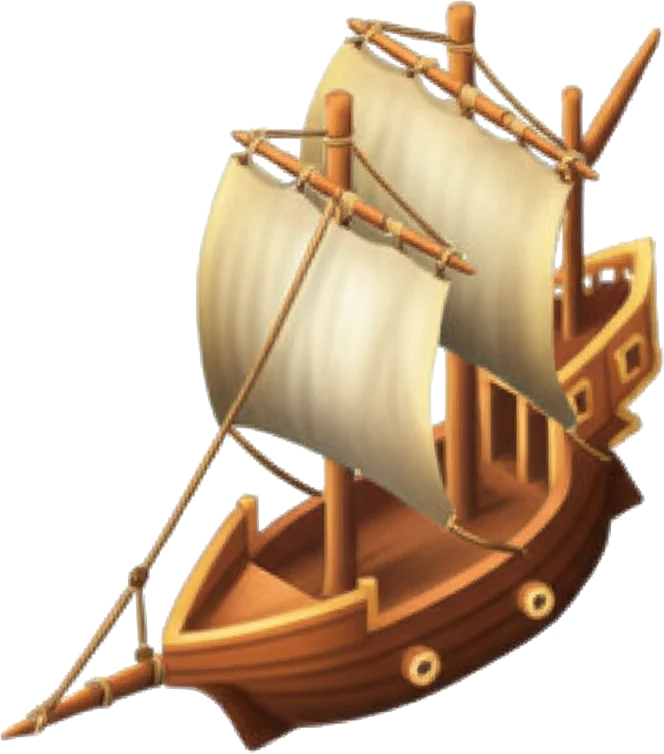 Small Merchant Ship Small Merchant Ship | 80 | 1 | 5 |
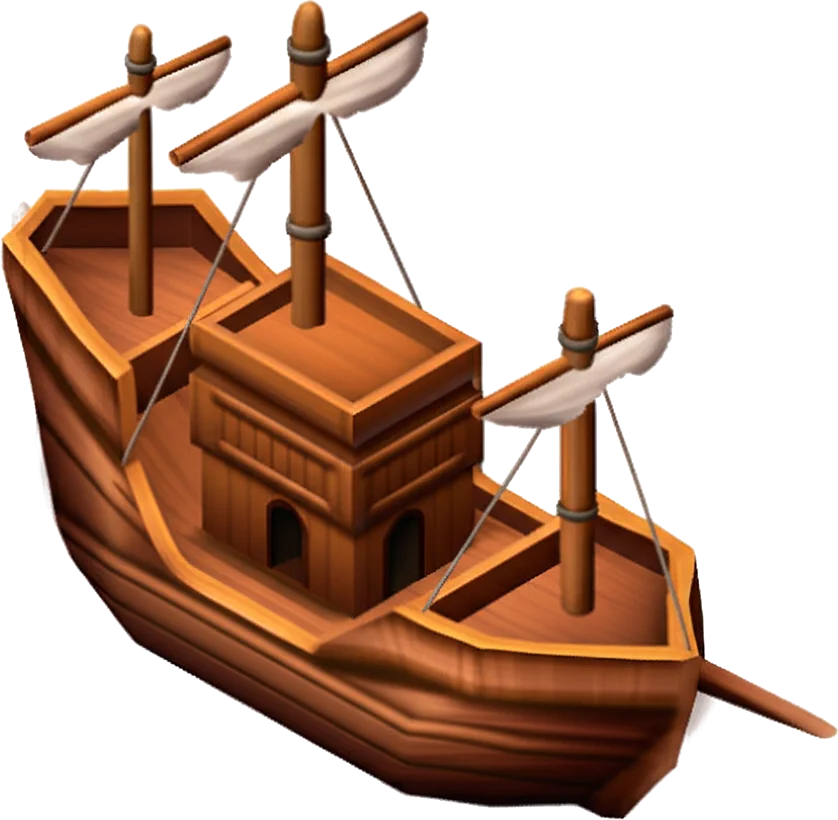 Large Merchant Ship Large Merchant Ship | 200 | 0.7 | 10 |
War Fleet
Warships are the teeth of a Governor's navy. They carry troops into battle, escort merchant convoys through hostile waters, and form the backbone of any assault or defense. Ground troops, stone throwers, spearfighters, archers, swordsmen, and catapults cannot cross open sea on their own; they board warships as passengers, limited by each vessel's troop capacity.
| Vessel | Attack | Defense | Speed | Troops |
|---|---|---|---|---|
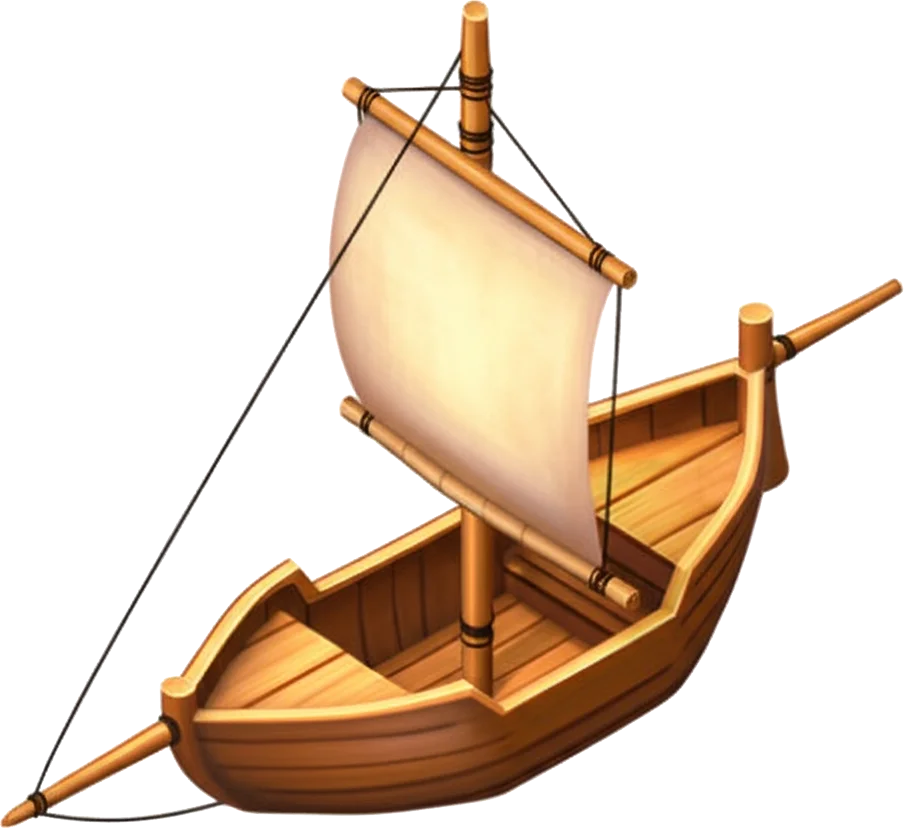 Small Warship Small Warship | 10 | 10 | 1.2 | 5 |
| Large Warship | 30 | 30 | 0.8 | 10 |
| Colonisation Ship | 0 | 5 | 0.5 | 0 |
Spy Ships
Spy ships slip past harbour patrols under cover, gathering intelligence on enemy stockpiles, fortifications, and garrisons. They carry no cargo and fight no battles; their value lies in the knowledge they bring home. For a full account of reconnaissance operations, consult the Espionage chapter.
| Vessel | Speed | Defense |
|---|---|---|
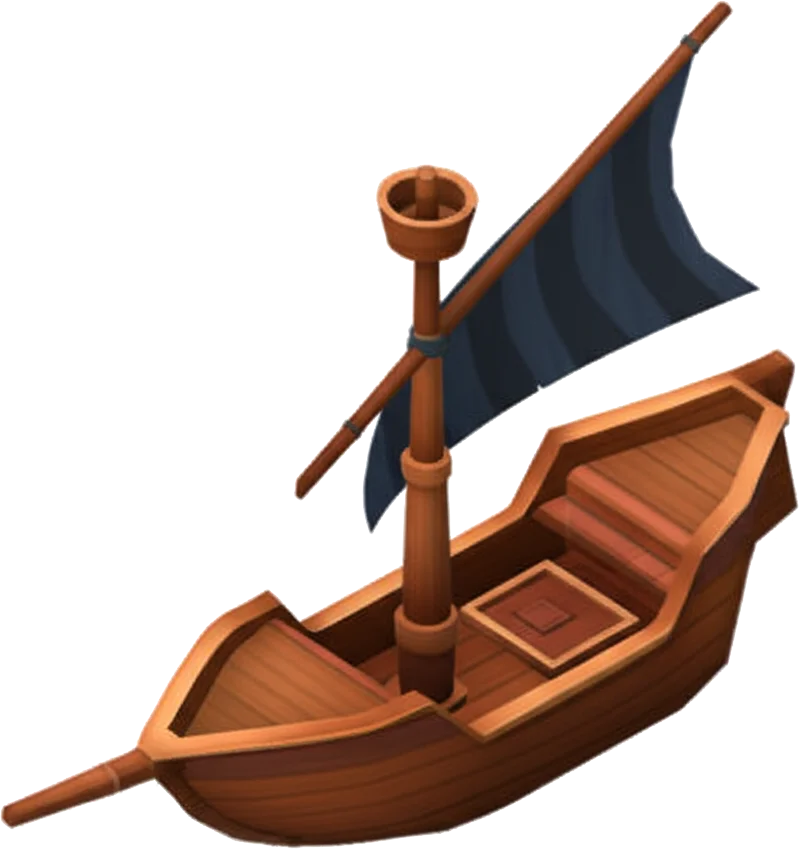 Spy Ship Spy Ship | 2 | 2 |

Missions
The Missions ledger tracks all ships at sea: convoys, spy missions, attacks, expeditions, and returns. Battle fleets are dispatched from the world map; expeditions are chartered from the Harbour tab in a settlement.
Expeditions
Expeditions are island charters. A Governor assigns idle ships, troops, coins, and any required goods from one settlement, then waits for the captain's reports as the route unfolds. Ships and troops sent on an expedition are unavailable for other orders until the expedition ends, and poor choices can cost lives or hulls.
Some expeditions pause mid-route for a decision. The Harbour tab shows the current report, the choices already made, what was sent, what remains, and any losses recorded so far. Finished expeditions file a report in Reports & Dispatches.
Resource Shipments
Goods are deducted from the source when the convoy sails and added to the destination on arrival. Excess beyond the destination's storage capacity is lost at sea, so verify storehouse room before sending large shipments. Merchants return automatically; the round trip takes twice the outbound voyage time.
Voyage Loadout
Before a convoy sails you may load goods from the Workshop that improve the voyage itself. These are spent when the fleet departs and are not delivered as cargo:
- Swift Sails — each set makes the fleet sail faster, shortening the voyage both ways.
The loadout is capped per voyage, so it is a deliberate provisioning choice rather than a permanent upgrade. The voyage forecast shows the quicker arrival before you commit.
Support Missions
Merchant convoys can also ferry troops to a friendly settlement, where they disembark and stand garrison duty until recalled. Garrisons, their arms, and how they come home have their own page: Garrison Support.
Relocating Ships
A harbour clogged with idle merchantmen leaves no berths for warships. To rebalance your fleets, open Forces → Send, switch to the Ships tab, and choose one of your own islands. Pick how many of each vessel — merchant, warship, or spy ship — to relocate. The whole fleet sails one way and re-bases at the destination, joining that island's own ships. There is no cargo and no return leg: a relocated fleet stays.
The voyage takes as long as its slowest hull, and the ships leave their home harbour the moment they sail — freeing those berths at once. Relocation is only ever to your own islands; to reinforce an ally, send a support mission instead. A relocation in transit can be recalled like any other fleet, turning the ships back to their origin.
Recalling Many Fleets at Once
The realm Fleet view offers a bulk Recall order. A Governor may turn back every outbound fleet of a chosen kind — transports, attacks and raids, settlement fleets, spies, or support — in a single command. Only fleets still sailing outward answer the order; convoys already heading home are left to their course, and merchant runs to the bazaar are never recalled. As with any single recall, a fleet turns around only before it makes landfall.
Common Missteps
Most naval losses come from preventable logistics errors rather than enemy action.
- Overloading destination stores: Overflow is discarded on arrival. Check storehouse room before sending full holds.
- Sending troops without enough troop space: Infantry and siege units require merchant capacity. If troop space is short, the order is delayed or refused.
- Ignoring return-time bottlenecks: Ships in transit cannot serve elsewhere. Stagger long routes so the harbour is never left empty.
Sending Resources
The Send ledger is the Governor's dispatch desk for outbound resource convoys. Eligible destinations include the Governor's own settlements, alliance members, and personal contacts marked as friends. A Governor's own settlements may be selected directly; allied and friendly Governors appear first by name, and opening their entry reveals the settlements under their authority. Each cargo requires enough merchant ships to carry the load. The ledger shows how many are needed and how many sit idle in port.
A voyage estimate appears before the order is confirmed, showing travel time and arrival window based on the distance between settlements and the merchant fleet's speed. When a cargo convoy is planned from the manifest, the harbour office favours the fastest merchant hulls that can carry the load; if speed is equal, it keeps more ships idle.
Once the convoy sails, the send panel gives way to a note of what left: where it is bound, when it arrives, and the island it sailed from. Send another transport clears it for the next order.
Cargo is only safe once it is unloaded. A convoy crossing waters an enemy has blockaded can be ambushed and robbed on the open sea, whether it is leaving the harbour or arriving at its destination, and you will not learn who took it. Against a Governor you have angered, a quieter route or a string of smaller runs is safer than one fat convoy.
Cargo does not cross unseen. Even a single crossing leaves a faint wake along the route on the regional chart, and the mark deepens where convoys come and go often — a lone run is a whisper that fades within a day or two, a steady lane is plain to read and fades only as the sailing falls quiet. A route that leaves the region only shows the direction its ships set out in. These wakes name no Governor and count no ships; they merely mark that something moves there — enough for a raider to know where a blockade might pay. A Governor who fears the ambush should vary the path and let a busy lane grow cold.
Fleet Templates
A Governor who sends the same dispatch again and again should not rewrite the manifest every time. A fleet template is a saved preset: a named mission with its cargo or its troops already chosen. You build and keep templates in the Fleet ledger of your Realm.
Each line is either a fixed amount (50,000 lumber, every time) or a max line. A “max” line is not your whole stockpile: it fills the most your ships can actually carry on this voyage, just as choosing Max by hand would.
A template never sails on its own. Once you have chosen a destination, the Send ledger offers to load a matching template, and the manifest fills itself in. A transport template brings resources, food and coins, and any troops. Attack and raid templates can record the warships as well as the troops; older troop-only presets still auto-pick the smallest escort that can carry them. A plunder template records its warships and plunder focus. You review what will sail and confirm. Nothing leaves harbour until you give the word.
Templates are a late-game convenience, not a starting tool. They unlock once your capital's Laboratory is well advanced, the same hall of charts and ledgers that quickens your scouting.
Automated Routes
Where a template still waits for your word, an automated route sails on its own. A route is a standing arrangement between two of your own islands: a source, a destination, and a manifest. Once it is active, it dispatches, delivers, comes home, and dispatches again — no hand on the tiller between logins. You set up and manage an island's routes from its Forces → Send screen, under the Routes tab.
A route runs a loop, not a clock. It sails, the fleet crosses to the destination and unloads, then returns; only when that convoy is home does the next run begin — after arest you set (two hours, eight, or a full day). A route never has two convoys at sea at once, however long the crossing.
You set the manifest; the harbourmaster sizes the fleet each time it sails. A route owns no ships. When a run is due it takes as many merchants as the cargo needs from whatever is docked at the source — small merchants first, for they are the swifter hull, large ones pressed in only when the smalls cannot carry it all — and those ships return to your roster with the convoy. Between runs they are yours to send elsewhere. If none are in harbour when the run is due, the route simply waits and tries again later; it never counts that against itself. Should you want hulls kept back for your own errands, cap the merchants per run and the route will make do with that many, filling the largest first.
The manifest is read fresh each run, two ways. Set amounts sends up to the figures you name — a lean harvest simply ships less. Split by sharedivides each run's hold by percentage — half lumber, half gold, or all of one thing — and sends as much as the ships, the stores and your Supply Lines allow, so a route grows with your fleet without being touched; if one store runs short its room goes to the others. Goods may ride along in either mode; they load first, one hold-space apiece.
Routes are the work of the Supply Lines study, in the Sailing branch of your research tree — each island must sign its own contracts, so the study unlocks routes only on the island that holds it. Deeper study raises how much a single run may carry: 8,000 cargo at the first level, then 20,000, 40,000, 75,000, and at its height — the Arteries of Empire — 150,000 per sailing.
Trouble is bounded. If a run cannot sail — an empty storehouse, a razed harbour at the far end — the route notes the miss and tries again next cycle. After a few misses in a row it pauses itself and sends word, rather than thrashing in silence; a convoy lost at sea counts as one such miss. If the source or destination slips from your hands, the route pauses at once. Hold, amend or retire a route whenever you like — a convoy already at sea finishes its crossing and comes home on its own.
Two cautions. A route obeys the same seas as any convoy: a destination storehouse with no room turns surplus cargo away, and a hold carrying lumen runs the same hidden risk of loss as any other. Each island may run a handful of routes of its own — one per pair of islands — so a broad realm can keep as many convoys at sea as it has harbours to launch them.
Voyage Speed
Every voyage is governed by three things: the distance between settlements, the speed of the slowest vessel in the fleet, and the pace of the world itself. Each world runs at its own tempo. Some archipelagos see ships arrive in a fraction of the time a slower world would demand.
Merchant convoys move at the merchant ship's rating. Support missions and attack fleets sail at the pace of the slowest naval vessel; infantry and siege ride as passengers aboard the warships and do not slow the convoy. A Governor's Sailcraft research permanently quickens every vessel in the fleet, while a settlement whose people have lost heart launches its ships sluggishly. Low happiness drags naval speed until the ledgers are set right.
Population and the Fleet
A settlement's population tally includes troops garrisoned locally and units in training, who hold housing while they train but only start eating once they finish. Forces stationed abroad at allied settlements are not counted against the home population. Sending troops to garrison an ally frees room for further recruitment at home.
Soldiers carried as cargo on a merchant convoy are treated differently. They remain on the home rolls until the ships make port, because a convoy can be recalled mid-voyage. The quartermaster holds their quarters until delivery is confirmed at the far harbour.
This distinction matters most when approaching the population cap on a long voyage. The rolls wait for word from the destination, not for the empty ships to return home.
For trade logistics handled through the marketplace, consult the Marketplace chapter.
Reference
Which speed matters for a voyage?mission types
Merchant convoys use merchant speed. Support missions and attacks use the slowest naval vessel in the selected fleet. Land units ride as passengers and do not slow the voyage.
Sailcraft research raises vessel speed, while low happiness at the launching settlement can drag naval operations down until morale is restored.
Common questions
Does loading a fleet template send the mission?
No. A template only fills the manifest. It resolves against the island you are sending from, shows the result, and waits for you to confirm. You can adjust anything before the fleet sails.
Which ships carry troops for support?
The Send ledger uses merchant ships for friendly convoys. Their troop capacity decides how many land units can travel with the cargo, or travel alone as a garrison shipment.
Can cargo and troops sail together?
Yes. A convoy may carry resources, troops, or both, as long as the selected merchant ships have enough hold space and troop capacity.
What happens if the destination is captured before my convoy arrives?
If a different alliance has taken the settlement, the convoy bounces: cargo and troops are carried home rather than handed to the new owner. If the new owner is a fellow member of your alliance, or the original Governor still holds it, the delivery lands as normal.
Is it safe to ship lumen?
Not entirely. A convoy carrying lumen may be lost at sea before it reaches port, and a lost convoy takes everything aboard with it. The risk rises with the amount of lumen in a single hold, so move large hoards in several lighter runs rather than one. If you change your mind, recall the convoy before it is lost and it comes home safely. To move a large amount safely, press it into Lumen Crystals at a Wealth bench first. Crystals are goods and cross the water without sea risk, at the cost of a small conversion loss and the time to craft them.
When do stationed troops leave the home population count?
They leave the home rolls once they arrive and join the allied garrison. Troops still sailing with a convoy remain counted at home until delivery.