Reports & Dispatches
The Governor's Desk is where the island stops whispering and starts keeping records. Strikes, spy voyages, shipments, world notices, and approaching fleets all pass through it, but not with the same urgency.
 Combat
 Espionage
 Fleet
Fleet The Daily Chronicle
Three tabs, three kinds of attention
The Desk separates what needs your eyes now from what belongs in the realm's memory.
- Dispatches: personal notices and reports. Battles, raids, espionage, colonisation, trade, transport, sealed letters, storage warnings, friend requests, and world decrees arrive here.
- Chronicle: the public record of the realm. It carries battles, campaigns, conflicts, alliance movement, rankings movement, arrivals, notices, and proclamations.
- Watchtower: live warning for incoming attacks on your islands, drawn from the
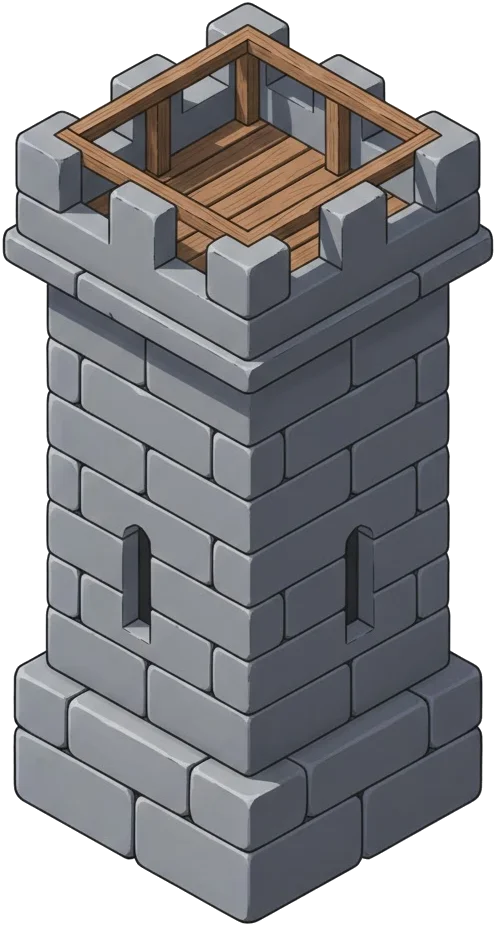 Watch-Tower. No tower means no advance warning. A red dot on the Watchtower tab means a fleet is inbound on one of your islands right now.
Dispatches are the personal pile
Dispatches merge personal notifications with formal reports. A battle report can sit beside a transport notice, a sealed anonymous letter, a storage warning, or an official decree. Pinned world notices stay near the top while their seal is still fresh.
Reports in the dispatch pile open into the full parchment. Notifications that point at a report lead to the same record, so the Desk avoids showing the same event twice when the report is already present.
Some attacks also create a sharper surface warning. The Island Attacked alert remains tied to that specific attack notice until it is opened.
Desk Notices — quieting routine word
The bell beside the Desk filters opens Desk Notices, where routine word can be switched off: cargo arrivals (each shipment between your own islands, including automated routes — cargo sent by another governor, whether a gift or a marketplace purchase, always comes through), marketplace sales, and garrison movements. Switching a row off stops those dispatches from piling into the Recent feed, lighting the Desk badge, or reaching your device — nothing more.
Muting never erases the record. Deliveries are still written into the ledger and remain browsable, and a failed delivery always raises a dispatch regardless of the switch. Alarms — incoming attacks, battle reports, distress calls, warnings — have no switch and always sound.
The Chronicle is public memory
The Chronicle is not chat. It is the public record of what the realm will remember: who arrived, which banner moved, where major blows landed, when rank changed, and which decrees were proclaimed.
Chronicle filters let a Governor narrow the noise: recent entries from the last day, ocean politics, or the Almanac shelf, where the printed editions of The Daily Chronicle are kept from previous mornings. Conflicts have their own view, where larger struggles between the same sides gather into a running war ledger.
When one banner keeps hammering another, the Chronicle can gather the immediate run of blows into a campaign entry. When the fighting widens into a true war, the conflict ledger keeps the long score: sides, fallen, structural damage, recent harbours struck, participants, and battle log.
When no urgent dispatch or watch warning is demanding attention, the Signal Desk can broaden into a slow Chronicle ticker above the chart. Opening it leads to the entry being shown.
Reports answer what actually happened
A report is the durable account behind a mission or delivery. Reports are stored by type and can be filtered when the archive grows heavy:
- Battle: outcome, losses, plunder, and structural damage from siege engines.
- Raid: stores seized from unclaimed islands, ships lost, and raiding pressure.
- Colonisation: founded settlement, razed holding, liberation, or failed charter.
- Espionage: mission outcome and intelligence gathered from spy work.
- Trade and transport: marketplace exchanges, harbour dues, shipment delivery, and storage overflow.
Opening a report marks it as read. New reports are highlighted in the list while they remain unopened, even after the Desk has already been consulted for the day.
When reviewing a specific island on the chart, its Intelligence gathers everything known about that shore. The Ledger tab narrows the archive to earlier spy, raid, and attack reports against it. Consult it before ordering another fleet; it preserves when the island was last scouted, stripped, or struck, and opens each report for the full account. Its two filters divide the same record: your own reports, and the alliance activity your comrades have shared against that shore.
The Operations tab holds the alliance's standing order on that island. Any member may set one — attack, raid, defend, watch, or leave it alone — with a note saying why. The order shows on the chart and on the island itself for every member. A mark is counsel, not command: a "leave it alone" order warns whoever opens the attack orders, but never bars the fleet. Re-marking replaces the order; clearing it stands down any coordinated attack still gathering against that target.
Raid logs punish lazy optimism
A raid report should answer one question quickly: did the voyage pay for the risk. The important lines are:
- Sent, fallen, returning: measures the true fleet cost of the strike.
- Plunder: shows what actually made it into the holds after protection and carrying limits.
- Raiding pressure: shows when repeated strikes on one shore have thinned recoverable stores.
A good raid carries pain and profit together. If losses climb while pressure remains high, shift targets and let that shore recover.
As a rule of thumb, raiding pressure on an unclaimed shore clears after 12 hours without a successful raid. A settled harbour remembers longer — 72 hours — so a shore you plunder daily keeps paying less until you leave it alone.

The Watchtower changes the horizon
The Watchtower tab shows live incoming attacks across the islands where a tower can see the sails. Without a Watch-Tower, the horizon is blind. Once constructed, each tower reveals incoming threats against its island, and higher levels reveal more detail:
| Intel Tier | Intelligence Revealed |
|---|---|
| Tier I | Time remaining until the fleet arrives |
| Tier II | The attacker's name and island of origin |
| Tier III | Approximate fleet size |
| Tier IV | Exact unit composition of the incoming force |
The Watchtower also improves defence against espionage. Each level increases the chance of intercepting enemy spies before they gather intelligence.

Common questions
Why did I get a dispatch and a report for the same event?
The dispatch is the alert. The report is the full record. When both exist, the Desk tries to lead you to the report rather than duplicate the same paperwork.
Where did conflicts go?
Conflicts live inside the Chronicle. Use the Chronicle filters to see active and recently ended wars, then open a conflict for the detailed battle ledger.
Why can I see one incoming attack but not another?
Watchtower sight is island by island. A tower warns for attacks on its own shore; islands without a tower remain blind.